

Client Bought a Package at the Wrong Club
هذا المحتوى غير متوفر بلغتك بعد.
Client Bought a Package at the Wrong Club — What to Do
Section titled “Client Bought a Package at the Wrong Club — What to Do”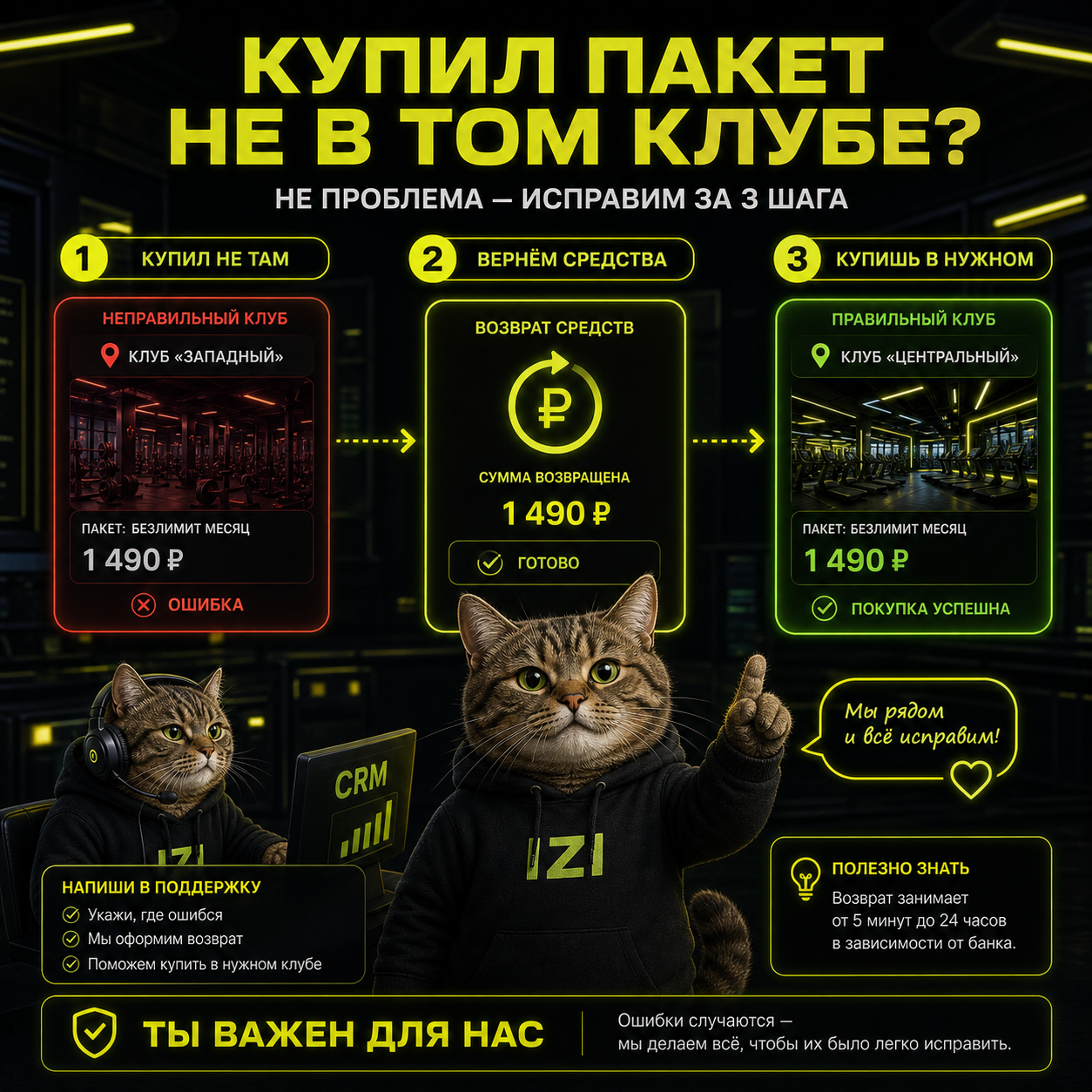
The situation: a client accidentally bought a package at the wrong club — not the one where they intended to play.
Key Points
Section titled “Key Points”There is currently no package transfer between clubs.
How to Resolve It
Section titled “How to Resolve It”- Find out which club the package was purchased at.
- From there, you have several options:
- Ask the client to contact that club directly;
- Forward the request to that club through staff;
- Ask IZI support to contact the club;
- Ask a support specialist to process the write-off at the other club, but make sure to notify that club.
- The write-off and refund must be processed by the purchasing club or through support, with mandatory notification to that club.
- After the write-off and refund, the client purchases a new package at the correct club.
How to Do This in CRM
Section titled “How to Do This in CRM”- Open the CRM for the club where the package was purchased.
- Open the player’s profile.
- Go to the player’s packages section.
- Open the purchased package in question.
- Click Write off.
- Enter the refund amount to the gaming balance and/or bonus balance.
- Confirm the package write-off.
What to Tell the Client
Section titled “What to Tell the Client”Packages cannot be transferred between clubs. If a package was purchased at the wrong club, the write-off and refund must be processed through the purchasing club or IZI support, after which the client can buy a new package at the correct club.
When to Contact Support
Section titled “When to Contact Support”Contact IZI support if:
- you cannot quickly reach the purchasing club;
- you need a support specialist to help arrange the write-off at another club;
- staff are unsure which club the purchase was made at;
- the refund cannot be processed through CRM in the normal way.
See Also
Section titled “See Also”الأسئلة الشائعة
Can a package be transferred from one club to another?
No. There is currently no direct package transfer between clubs in IZI. The solution is to write off and refund the package, then purchase a new one at the correct club.
Who should process the write-off when a package was bought at a different club?
The write-off and refund must be processed by the club where the purchase was made, or through IZI support with mandatory notification to that club.
Does the client need to contact the purchasing club themselves?
That is one valid option. You can also forward the request to the purchasing club through staff, or ask IZI support to contact that club on your behalf.
Can an administrator simply write off the package from their own club?
You need to work from the club where the package was purchased. In CRM, open the player's profile specifically in the purchasing club to correctly process the write-off and refund.
IZI LLC (ООО «ИЗИ»), TIN 7842227686, OGRN 1257800012249, office 1, premises 3-N, lit. A, 15-17 Perekupnoy lane, Saint Petersburg, 191024, Russia, admin@izi.is · Cookie settings